DEMO 'WEBVIEW2' +SOURCE
A downloadable tool for Windows
Modern web content meets classic GFA-BASIC 32!
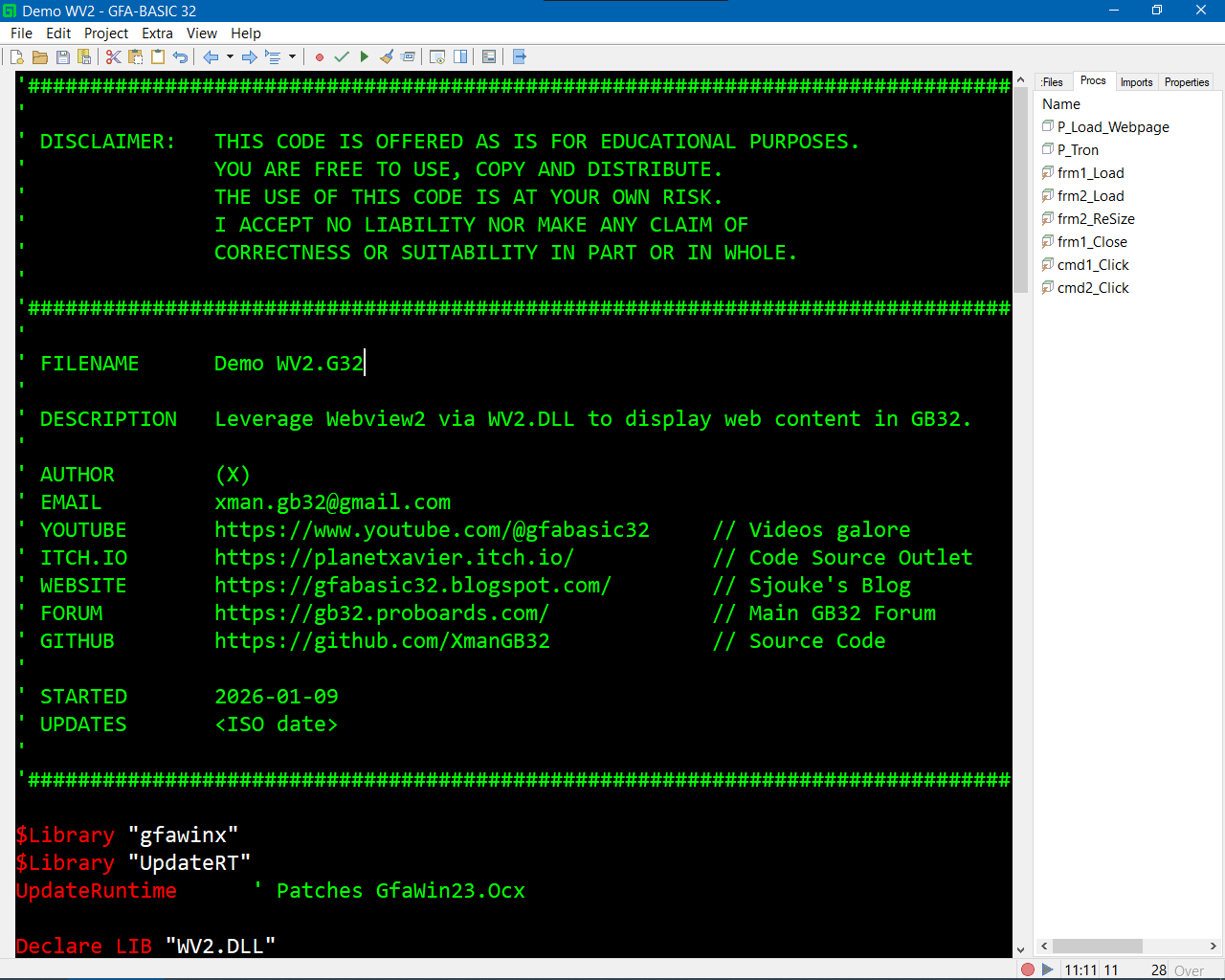
This beginner-friendly demo shows how to embed a WebView2 browser directly into a GFA-BASIC 32 application, allowing your program to display websites or local HTML files inside its own window.
What this demo does
This project provides a simple framework for using WebView2 in GFA-BASIC 32:
-
Dynamically loads the WebView2 control
-
Displays web pages or local HTML files inside your app
-
Automatically handles creation, resizing, and cleanup of the browser
-
Includes sample buttons to:
-
Load a YouTube channel
-
Load a local HTML file
-
No external browser windows required.
Who this is for
This demo is ideal if you:
-
Are new to WebView2
-
Want to add modern web content to a GFA-BASIC 32 project
-
Need a working example you can build on or modify
Download
Install instructions
Downloads
- WV2.G32 — Demo source code
- WV2.dll — WebView2 helper DLL
- Hello GB32 Coders.html — Sample local HTML file
- WebView2_Info.html — Additional WebView2 info page
Install & Run Instructions
- Download the demo source code and sample HTML files (free).
- To run the demo from the IDE, you need GFA-BASIC 32 for Windows.
- You may also compile the project into a standalone
.exe. - Compiled executables require the GFA-BASIC 32 runtime (GFAWin32.ocx):
- Installed on the system, or
- Placed in the same folder as the
.exe
Extra: DLL Source Code
- The full C++ source code for WV2.dll is also available for free on GitHub:
- https://github.com/XmanGB32/WV2

Leave a comment
Log in with itch.io to leave a comment.