DEMO 'STOCKFISH' +SOURCE
A downloadable tool
Demo: Stockfish.G32 — summary
What this demo does
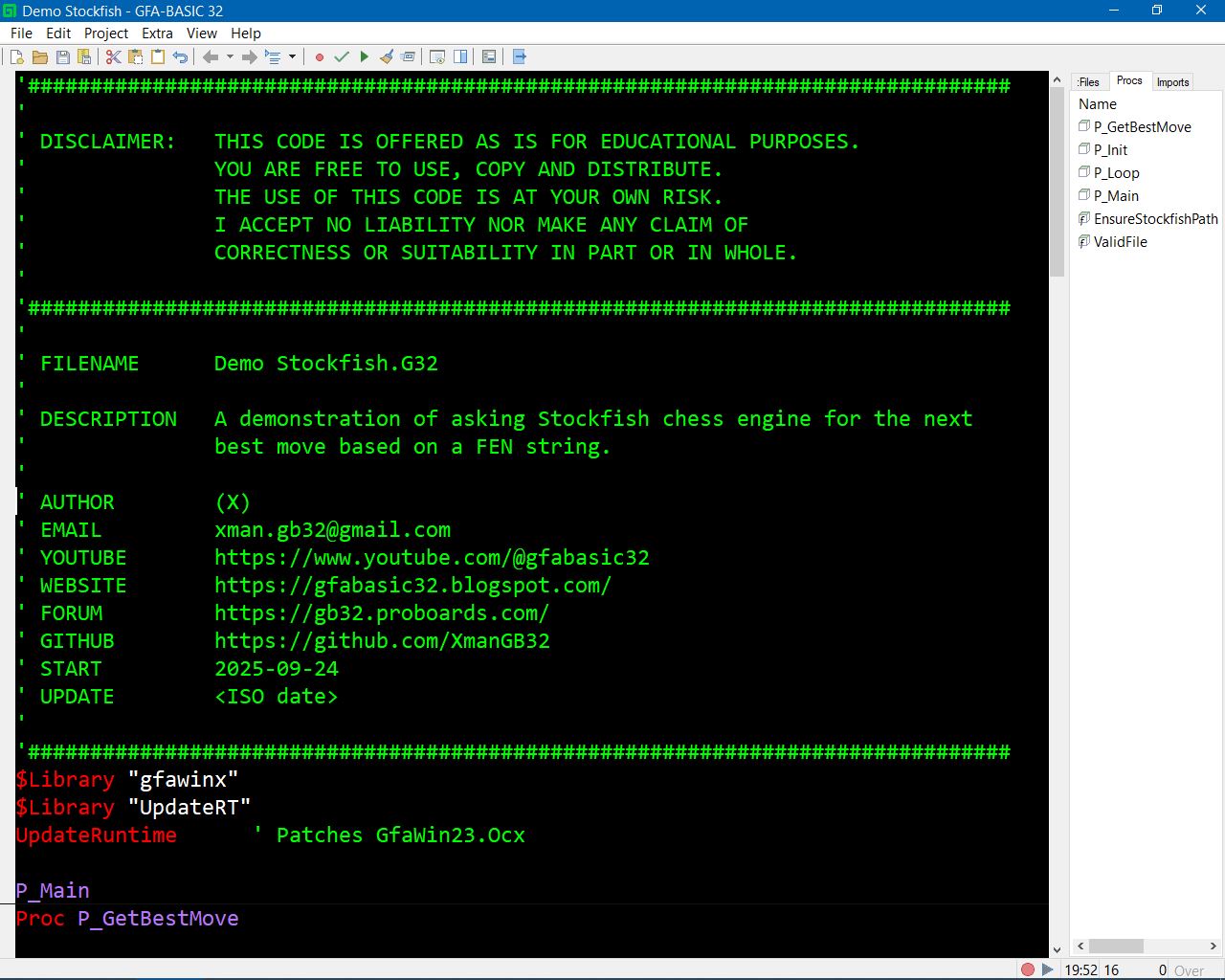
- Loads Stockfish (external chess engine) from a user-specified path and asks it for the best move for a given FEN string.
- Demonstrates interop between GFA‑Basic 32 and a native DLL (StockfishBridge.dll) that launches Stockfish, speaks UCI, and returns the best move as a string.
Files and components
- Stockfish.G32 — the GFA demo program (code you posted).
- StockfishBridge.dll — native helper DLL (C++) that starts stockfish.exe, sends UCI commands, and returns bestmove.
- stockfish_path.txt — sidecar file placed next to the EXE that holds the full path to stockfish.exe (created by the demo if missing).
- stockfish.exe — the engine binary (user-supplied).
Key features
- Runtime path setter: calls SetStockfishPath in the DLL so the engine location is configurable at runtime.
- FEN-based query: the demo forms a FEN string and calls GetBestMove(fen$) to receive Stockfish’s suggested move.
- User-friendly setup: if stockfish_path.txt is missing or invalid the demo prompts the user to enter the path and persists it.
- Basic validation: ValidFile uses GetAttr to ensure the supplied path exists, is not a directory, and has a .exe extension.
- Debug aids: DebugFeedback flag, Trace and Debug lines to help diagnose problems.
How to run (quick)
- Place StockfishBridge.dll next to your GFA app and ensure the DLL export names match the Declares (SetStockfishPath, GetBestMove).
- Put stockfish.exe anywhere you like. If you already have stockfish_path.txt with the correct full path, the demo will read it automatically.
- Run the demo. If stockfish_path.txt is missing or wrong you’ll be prompted to paste the full path to stockfish.exe. . The demo writes stockfish_path.txt for future runs.
- The demo loads the starting-position FEN and prints Stockfish’s recommendation in the debug window (example: e2e4).
Troubleshooting checklist
- "Path invalid" message: ensure the string you enter points to the actual stockfish.exe file and includes the .exe extension.
- DLL not found / load errors: verify StockfishBridge.dll is in the same folder as the GFA EXE or on the PATH, and its exports match the Declare lines.
- No move / engine timeout: the bundled DLL times out if the engine doesn’t respond; check that the engine runs when launched manually and that your antivirus isn’t blocking execution.
- Permission or write errors saving stockfish_path.txt: run from a writable folder (not Program Files) or change where the config file is saved.
Possible improvements you might discuss on the forum
- Replace InputBox with a standard file-open dialog (OPENFILENAME) for better UX.
- Add more robust error reporting from the DLL (return engine stderr or diagnostics).
- Allow users to choose engine options (threads, hash) by exposing more UCI options.
- Make GetBestMove accept optional parameters (movetime, depth) from GFA.
- Add a persistent GUI setting page instead of a simple text file.
One-line demo purpose to post A minimal GFA‑Basic demo that shows how to configure the path to stockfish.exe, call a DLL wrapper for Stockfish using UCI, and get the engine’s best move from a FEN position — with simple path validation and persistence via stockfish_path.txt.
Download
Install instructions
You'll need the DLL at least in the dir of the app.
DLL Source code: https://github.com/XmanGB32/StockFishBridge
Development log
- Added an explanation video from my YouTube channel all about GFA-BASIC 32 for Wi...69 days ago
- HOW? WHY?70 days ago


Leave a comment
Log in with itch.io to leave a comment.